
Intégrez LibTracker dans votre CI/CD
Automatisez la génération de vos SBOM et la surveillance des CVE à chaque build. Compatible avec tous les outils CI/CD populaires.
Comment ça marche ?
4 étapes pour une intégration réussie
Générez un token CI
Créez un token d'API sécurisé depuis les paramètres de votre projet LibTracker
Ajoutez le script à votre pipeline
Copiez-collez notre exemple de configuration dans votre fichier CI/CD
Push automatique à chaque build
Vos fichiers de lock sont envoyés automatiquement à LibTracker
Surveillance en temps réel
Recevez des alertes instantanées en cas de nouvelle CVE détectée
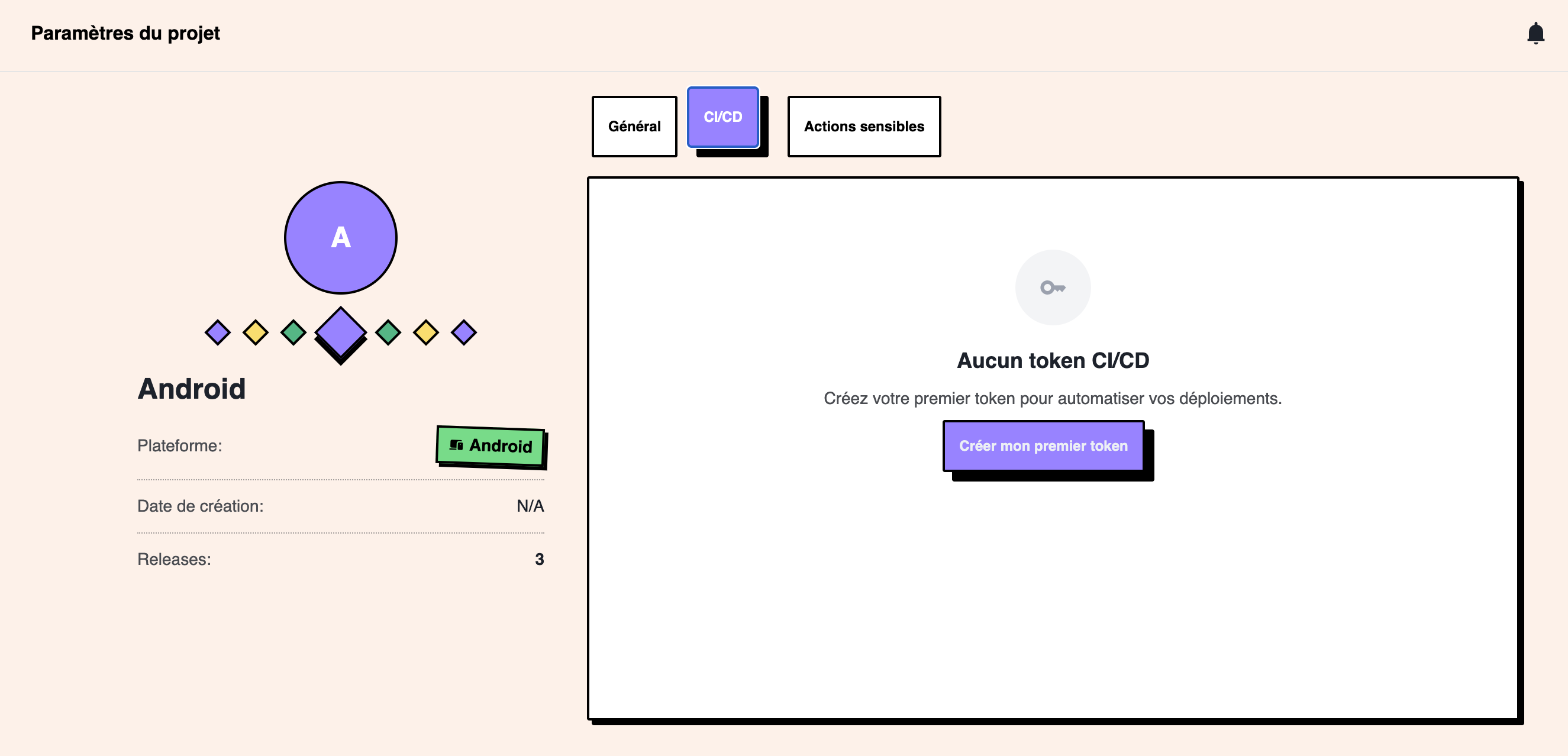
Génération de token CI
Interface simple pour créer et gérer vos tokens d'API CI/CD
Exemples d'intégration
Configurez votre intégration CI/CD en 4 étapes simples
Sélectionnez vos gestionnaires de packages
Sélectionnez tous les gestionnaires présents dans votre projet (multi-sélection possible)
Choisissez votre plateforme CI/CD
Sélectionnez la plateforme CI/CD que vous souhaitez intégrer
Configurez vos secrets CI
Ajoutez ces secrets dans les paramètres de votre plateforme CI/CD :
LIBTRACKER_PROJECT_IDL'ID de votre projet LibTracker (disponible dans les paramètres du projet)
LIBTRACKER_TOKENVotre token CI (générez-le depuis paramètres du projet > Tokens CI/CD)
Copiez votre configuration
GitHub Actions
Intégration native avec GitHub Actions en quelques lignes
name: LibTracker CI
on:
  push:
    branches: [ main ]

jobs:
  libtracker:
    runs-on: ubuntu-latest
    steps:
      - uses: actions/checkout@v3

      - name: Upload to LibTracker
        run: |
          curl -X POST "https://api.libtracker.io/ci/projects/${PROJECT_ID}/releases" \
            -H "Authorization: Bearer ${LIBTRACKER_TOKEN}" \
            -H "Accept: application/json" \
            -F "version=${GITHUB_SHA}" \
            -F "files[]=@./package-lock.json"
        env:
          PROJECT_ID: ${{ secrets.LIBTRACKER_PROJECT_ID }}
          LIBTRACKER_TOKEN: ${{ secrets.LIBTRACKER_TOKEN }}
Fonctionnalités avancées
Allez plus loin avec l'intégration LibTracker
Versioning automatique
LibTracker détecte automatiquement votre version depuis les tags Git ou variables d'environnement
Multi-format
Support de tous les formats de lock files : package-lock.json, yarn.lock, Gemfile.lock, etc.
Upload ultra-rapide
Temps d'upload optimisé pour ne pas ralentir vos builds
Gestion d'erreurs robuste
Retry automatique et logging détaillé pour un debugging facile